Turn code into a beautiful image
Paste a snippet and get a crisp, highlighted code window on a lovely background. Free, private and instant: your code stays in your browser.
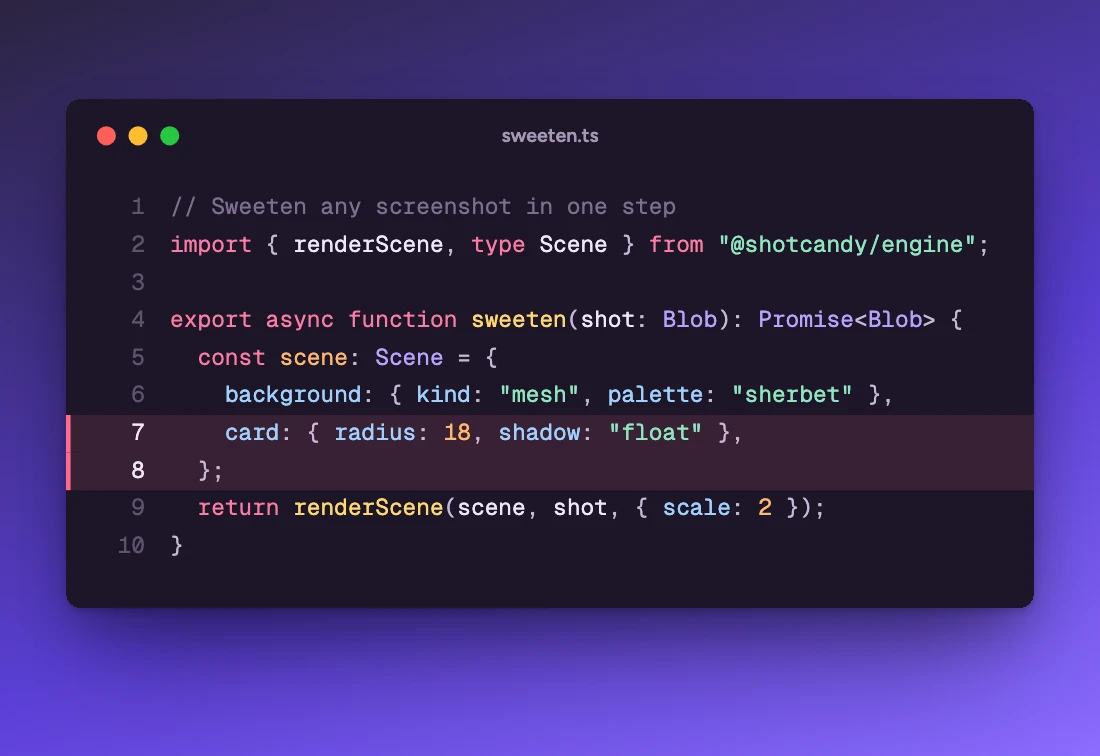
Three steps, about ten seconds
Paste your code
Drop in any snippet. The language is detected for you, or pick one of 26.
Pick a theme
Eight themes, each paired with a background. Add a file name, line numbers or highlighted lines.
Export
Copy or download PNG, JPEG or WebP up to 4×, or add motion and export MP4 or GIF.
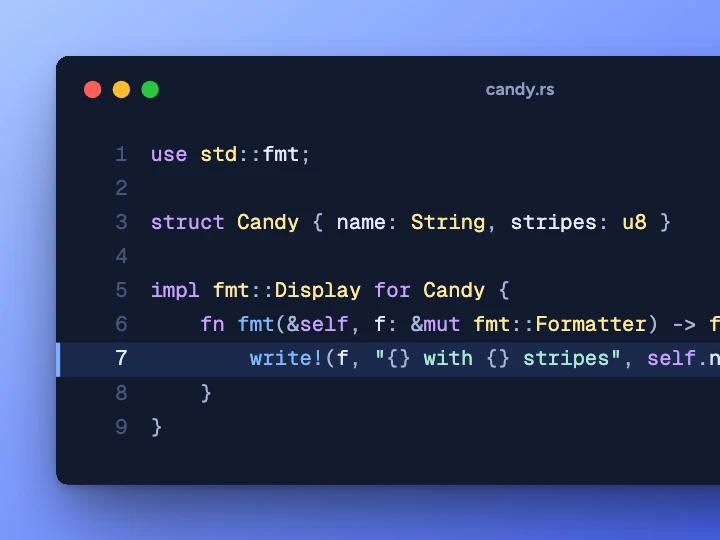
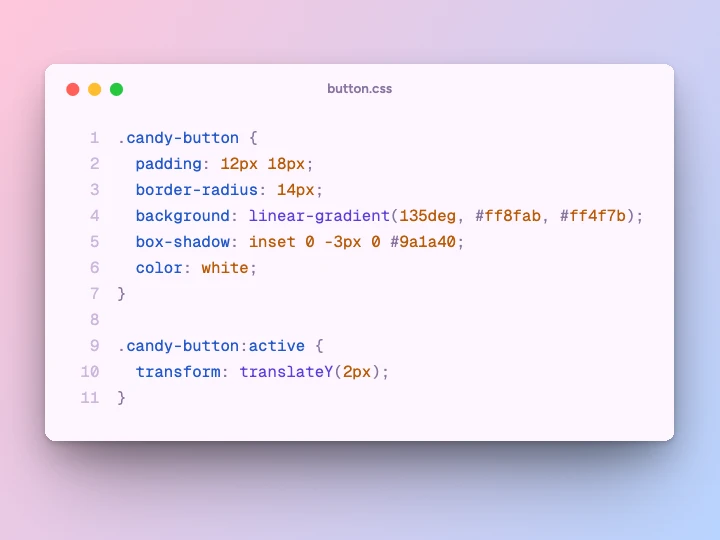
Made with this tool
Open the code editor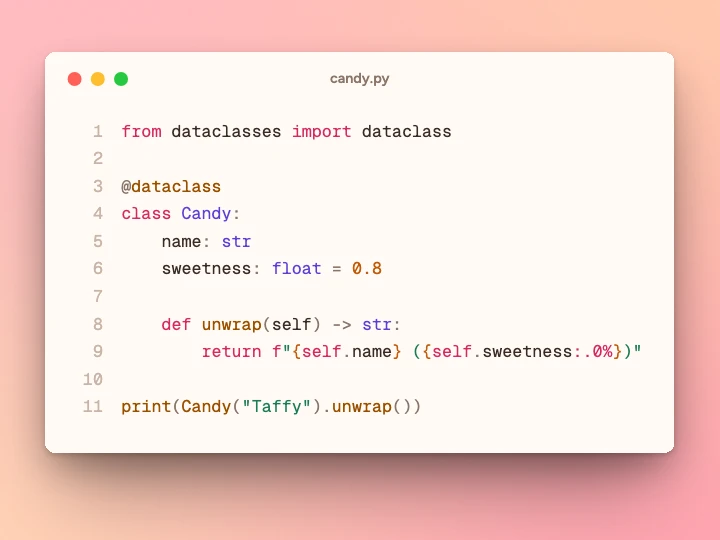
Questions
Related tools
Is this code screenshot tool free?
Yes. Shotcandy is free and open source, with no watermark and no sign-up. Export as PNG, JPEG or WebP up to 4×, or as MP4 and GIF.
Is my code uploaded anywhere?
No. Highlighting and rendering happen in your browser. Your code never leaves your device.
Which languages are supported?
TypeScript, TSX, JavaScript, JSX, Python, Rust, Go, Java, Kotlin, Swift, C, C++, C#, PHP, Ruby, HTML, CSS, JSON, YAML, TOML, Markdown, SQL, Shell, Dockerfile, GraphQL and diffs. Auto-detect picks one for you.
Can I highlight lines or hide the window buttons?
Yes. Type the lines to highlight (like 2, 5-7), toggle line numbers, and choose coloured window dots, a quiet title bar or no chrome at all.
Your next screenshot deserves better
Open the editor in Code mode and paste your first snippet.