Add a macOS window frame to any screenshot
Paste a screenshot and get a crisp macOS-style window on a beautiful background. Free, private and instant — nothing is uploaded.
or drop a file — the editor opens with the frame ready
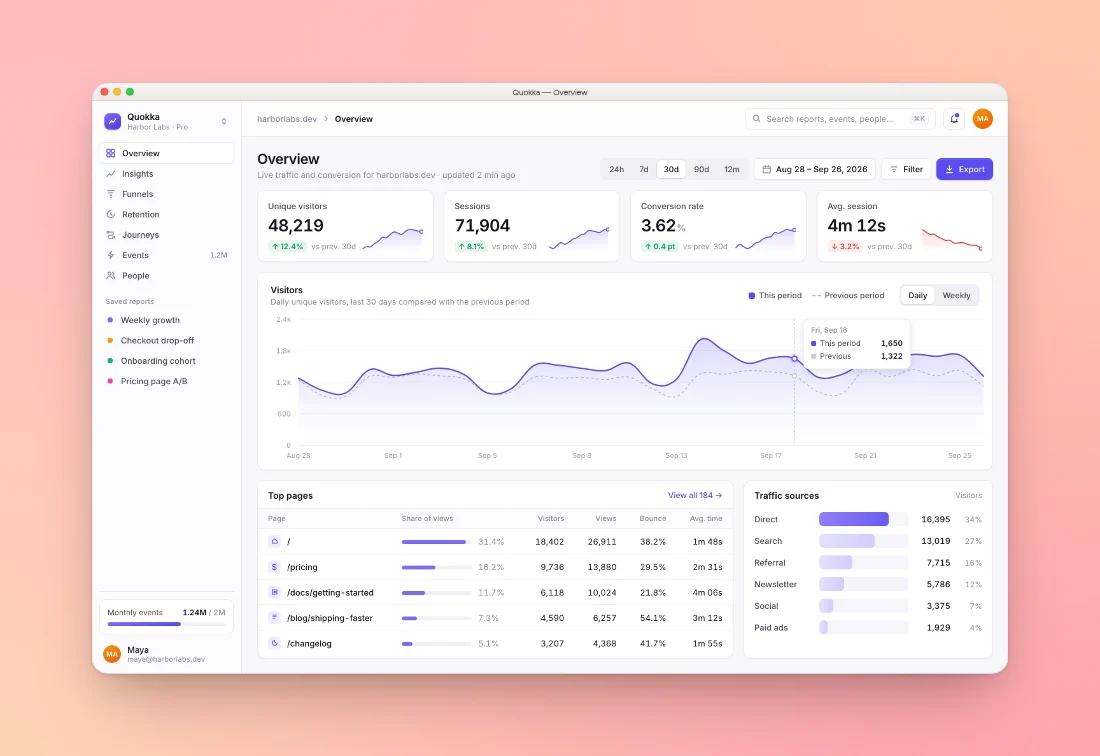
Three steps, about ten seconds
Paste
Copy a screenshot and press ⌘V (Ctrl+V), drop a file, or pick one.
Pick a style
The macOS frame is already on. Choose light or dark, a background, padding and shadow.
Export
Copy to clipboard or download PNG, JPEG or WebP up to 4×, sized for any social network.
Made with this tool
See all 24 styles
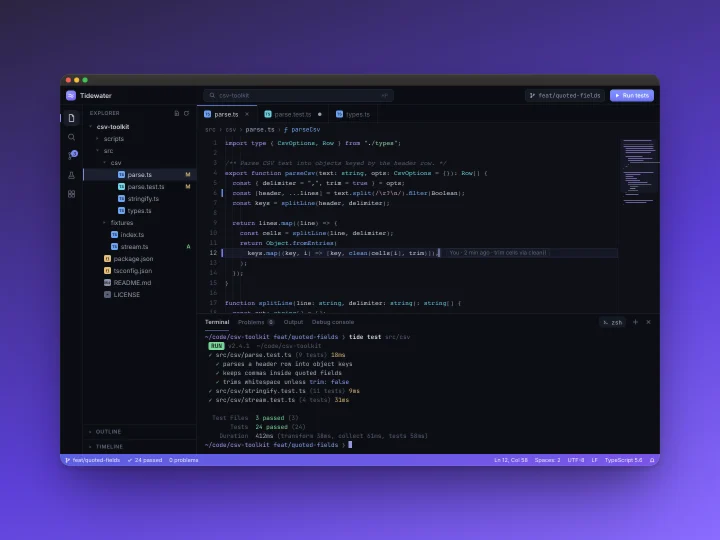
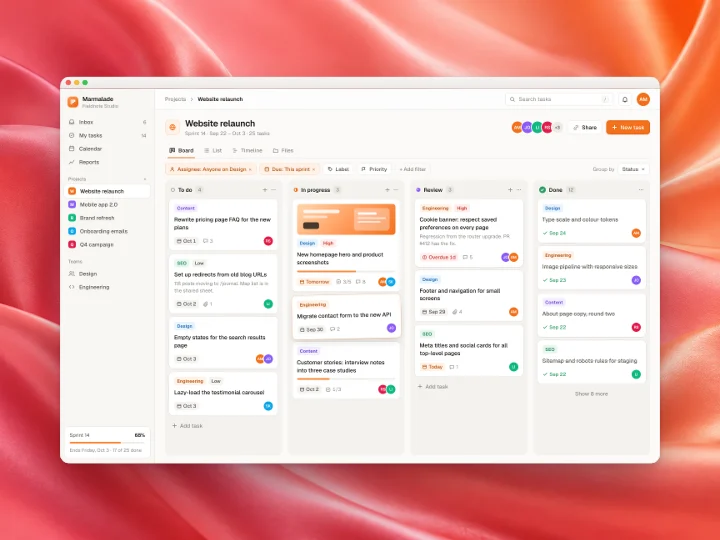
Questions
Related tools
Is it free to add a macOS frame?
Yes. Shotcandy is free and open source, with no watermark and no sign-up. Export up to 4× resolution as PNG, JPEG or WebP.
Is my screenshot uploaded?
No. The frame is drawn in your browser with the canvas API. Your image never leaves your device.
Can I use a dark window or add a title?
Yes. Switch the frame between light and dark, add a window title, or use muted grey window buttons.
Does it work with Windows or Linux screenshots?
Any PNG, JPEG or WebP works. The frame is our own macOS-style drawing, so it suits any desktop screenshot.
Your next screenshot deserves better
Open the editor with the macOS frame already applied.