The free screenshot beautifier that stays in your browser
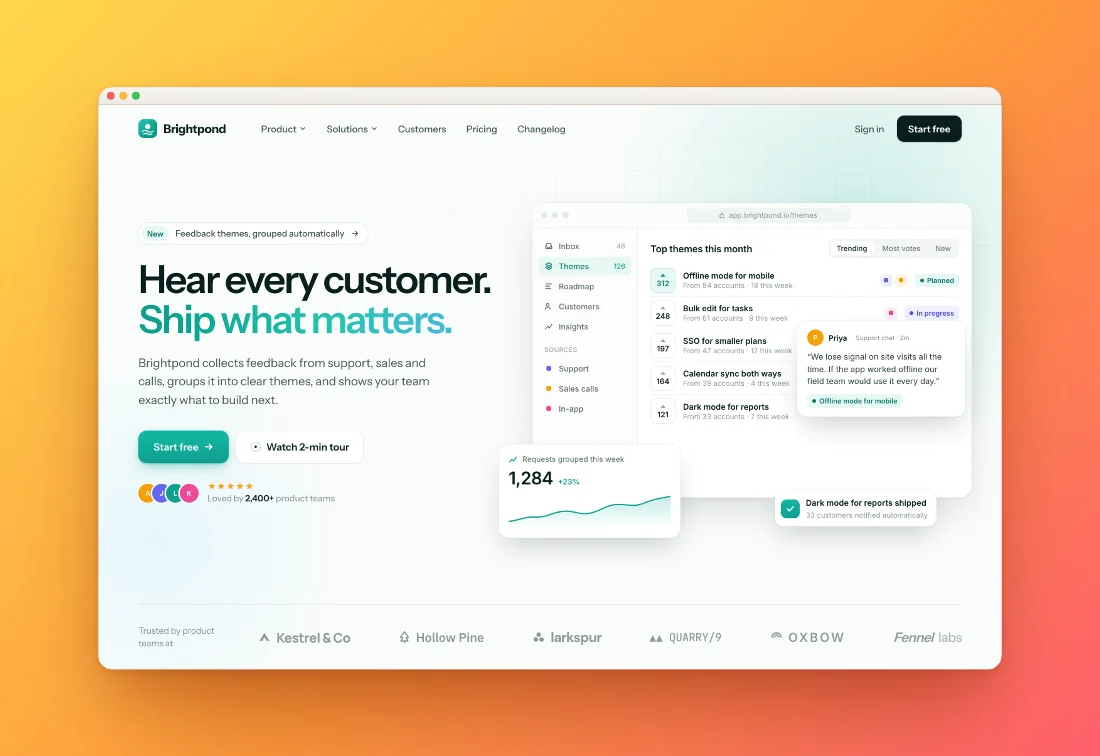
Drop in a screenshot and it comes out ready to share: a background picked from your own colours, soft shadows, rounded corners and the right size for every network.
or drop a file — the editor opens with the style ready
Three steps, about ten seconds
Paste
Copy a screenshot and press ⌘V (Ctrl+V), drop a file, or pick one.
Pick a style
Every one of the 36 styles previews on your own screenshot: tilts, peeks, stacks, prints and devices. Tweak background, padding, corners and shadow.
Export
Copy to clipboard or download PNG, JPEG or WebP up to 4×, sized for X, LinkedIn, Instagram or the App Store.
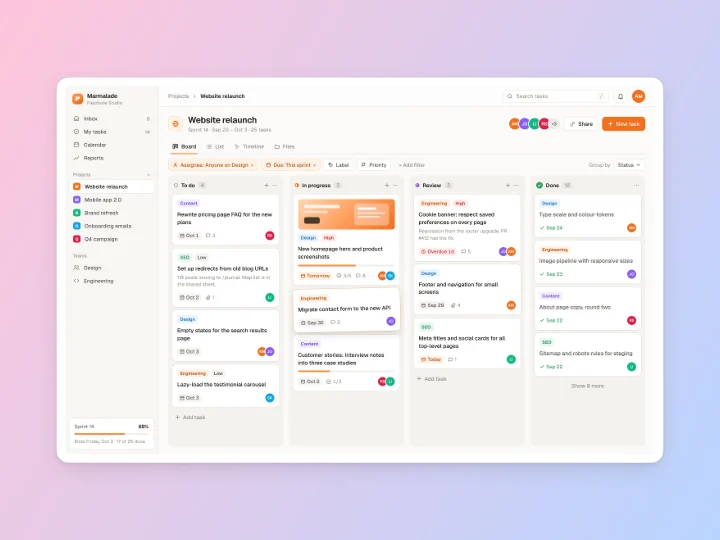
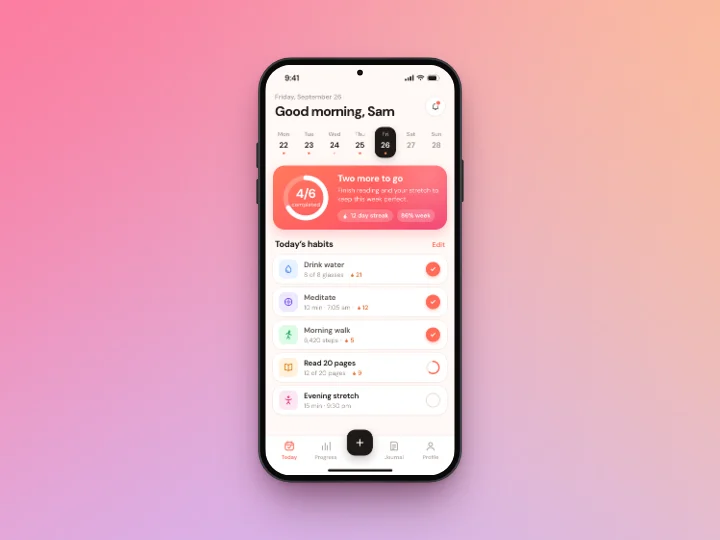
Made with this tool
See all 24 styles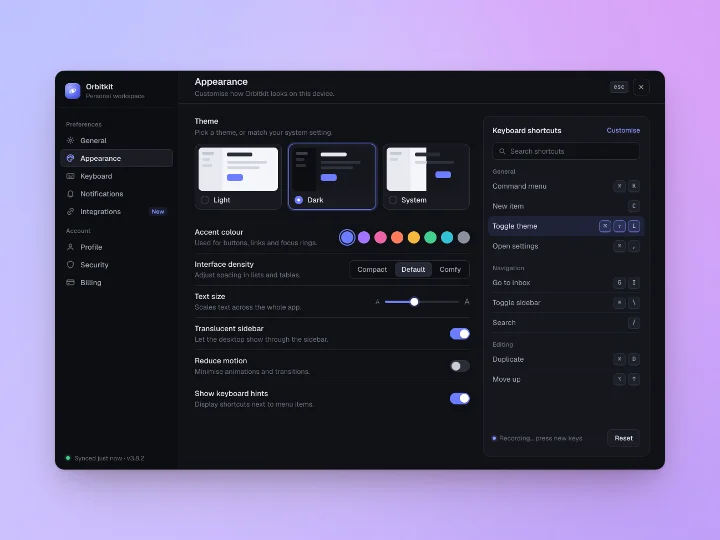
Questions
Related tools
What does a screenshot beautifier do?
It places your screenshot on a designed background with padding, rounded corners and a shadow, optionally inside a window or device frame, so it looks polished in posts, docs and slides.
Is it really free?
Yes. Every feature is free and there is no watermark. Shotcandy is open source under the MIT license.
Are my screenshots uploaded anywhere?
No. Everything happens in your browser tab. There is no server and no account.
Which sizes can I export?
Auto (your screenshot's own resolution), common ratios, Open Graph, X, LinkedIn, Instagram posts and stories, and App Store screenshot sizes, at 1× to 4×.
Your next screenshot deserves better
Open the editor with Tangerine Dream ready to go.