Make an Open Graph image from any screenshot
Link previews at exactly 1200 × 630, the size Facebook, LinkedIn, Slack and X expect. Paste a screenshot, pick a style, export. Nothing leaves your browser.
or drop a file — the editor opens with the 1200 × 630 canvas ready
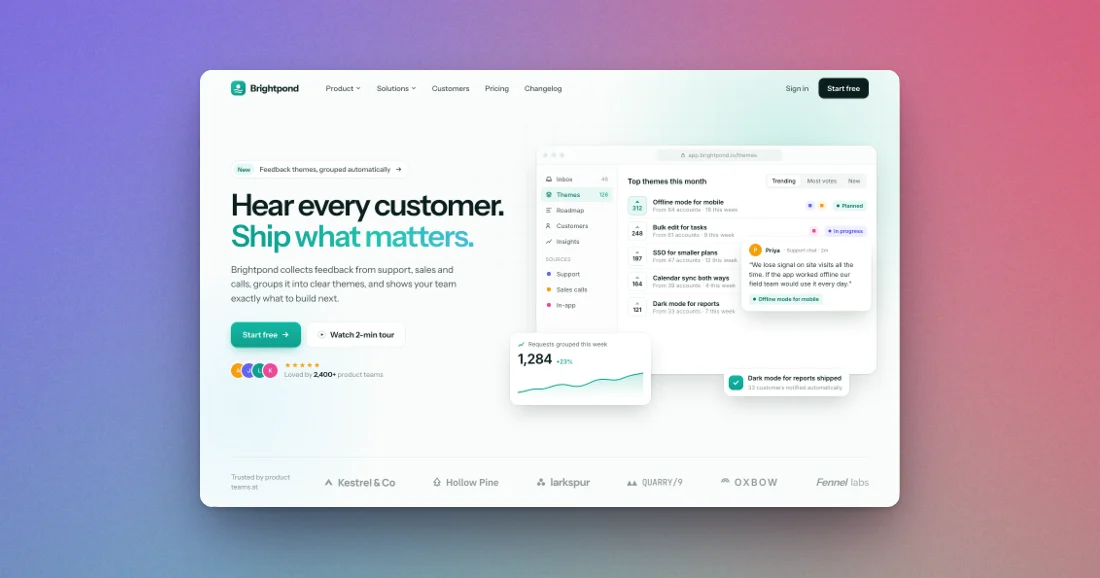
Three steps, about ten seconds
Paste
Copy a screenshot of your page and press ⌘V (Ctrl+V), drop a file, or pick one.
Pick a style
The canvas is already 1200 × 630. Choose a background, frame and shadow; your shot fits automatically.
Export
Download a PNG or JPEG at 1× or 2× and add it to your page's og:image tag.
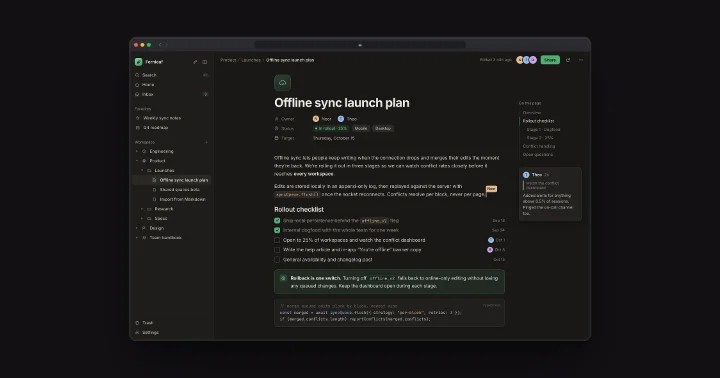
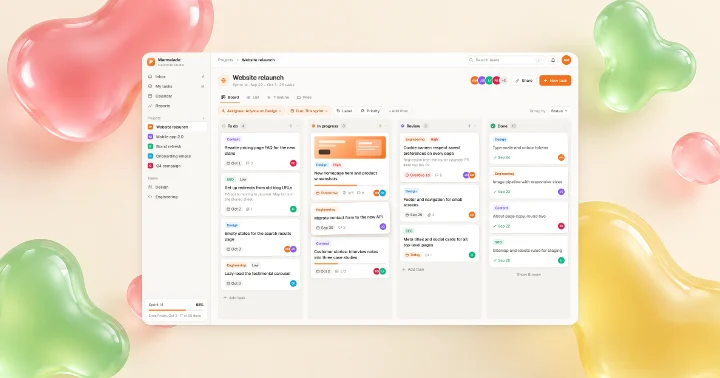
Made with this tool
See all 24 styles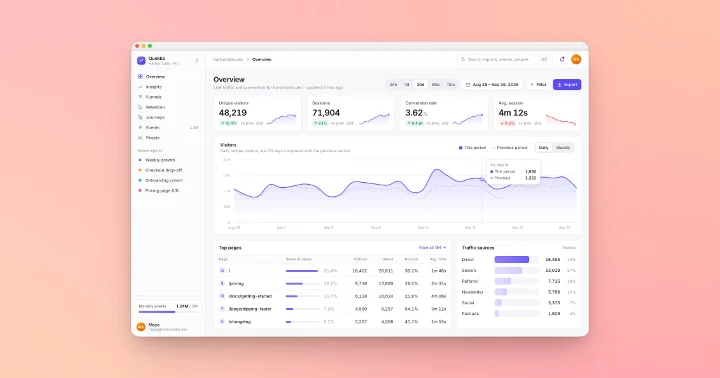
Questions
Related tools
What size should an Open Graph image be?
1200 × 630 pixels (1.91:1). Meta recommends at least that size for high-resolution displays; smaller images may show as a thumbnail instead of a large card.
Does it work for X and LinkedIn link cards?
Yes. X link cards and LinkedIn link previews use the same 1.91:1 shape; there are dedicated 1200 × 628 presets too.
Is it free and private?
Yes. No sign-up, no watermark, and your screenshot never leaves your browser.
Can I export at higher resolution?
Yes, up to 4×. Keep the file under 8 MB for Facebook and 5 MB for X.
Your next screenshot deserves better
Open the editor on a 1200 × 630 canvas.